
SNMP Agent Service ‘Internal service unavailable’ alert in DDM
Symptom
The SNMP Agent Service fails to start, resulting in a dashboard alert showing ‘Internal service unavailable – SNMP Agent Service’.
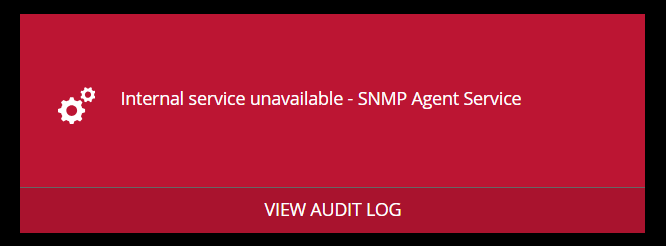
The Audit Log may also contain messages such as:
- ‘The Snmp agent service stopped running.’
- ‘The Snmp agent service failed repeatedly and will not be restarted.’
Cause
DDM supports a maximum SNMP community string length of 31 characters. If a longer value is entered (for example, a UUID), the SNMP agent will fail to start.
Resolution
Open Settings > External Services > SNMP in DDM.
Edit the COMMUNITY PASSWORD field and enter a string with 31 characters or fewer.
Click SAVE CHANGES