Why was Dante a good fit for this project?
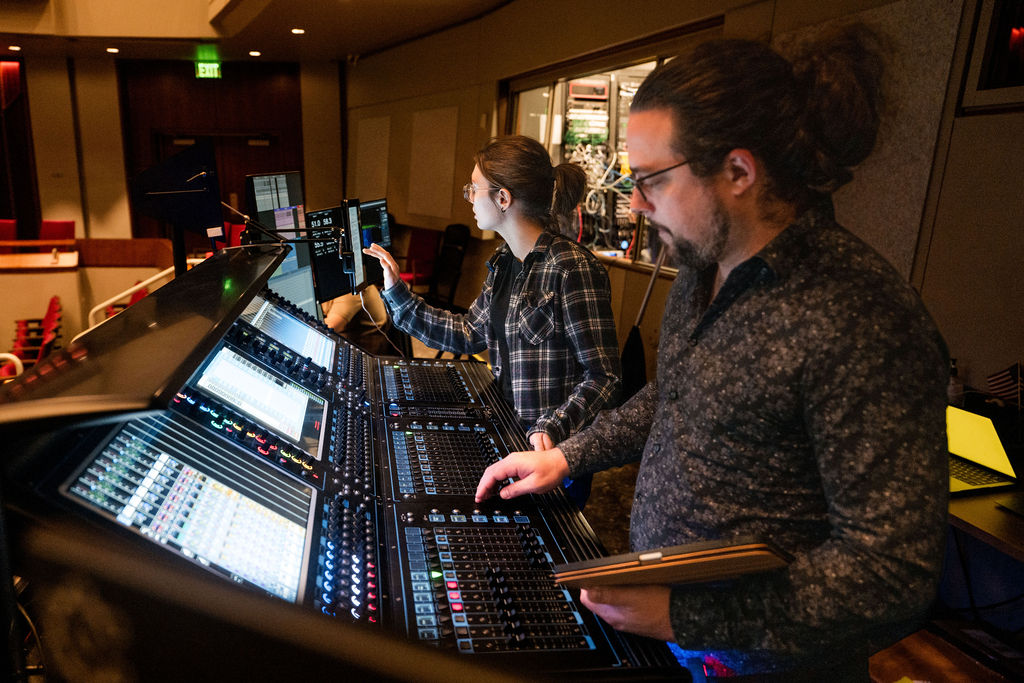
Dante is the backbone of everything. If I’m honest, TiMax as a spatial processor really gives you two options: MADI or Dante. MADI isn’t super useful to me—I could use it from the DiGiCo console into TiMax, but it’s not a great option for getting to the amplifiers afterward. Since TiMax sits between the console and the amps, I wouldn’t choose MADI as my path to the amp rack.
Without Dante, we wouldn’t even be having this conversation. Spatial audio requires an individual channel for each speaker cabinet, and there aren’t many clean, efficient ways to get up to 64 channels from the TiMax processor to the amps. AES would mean 32 cables; analog would mean 64. Dante is simply the way to go for spatialized audio—and honestly, even without spatial, it’s still the best way to access a large number of amplifier channels.
Outside of the immersive signal flow, where else are you using Dante?
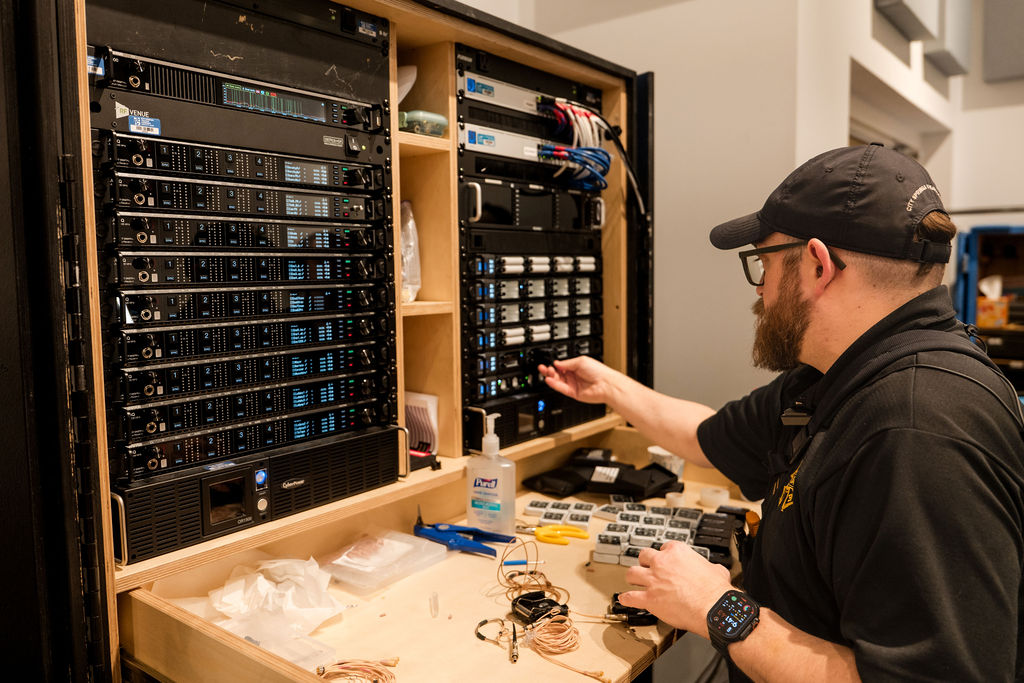
Dante has opened so many doors for us. We used to rent a Shure microphone package. And now the theater company is fortunate enough to own it. All the channels from the Shure Axient systems go over Dante to the console—no copper snakes involved. We also use a program called WAVETOOL, which takes a Dante split into a separate Mac. It lets us monitor the wireless mics, view audio signals in real time, and even record them—making it easy to troubleshoot issues like when a mic drops out or if there’s a connection problem. Gone are the days of analog mix splits; now you just open Dante Controller, patch it to the console and the A2, and you’re done.
Dante’s flexibility is what helps the most. As the theater added budget, we could afford to run two QLab computers running Dante Virtual Soundcard for playback redundancy and setting that up was almost effortless. We can also move between plugin platforms depending on needs—sometimes using Waves over its own network with the DiGiCo console, or with the SuperRack LiveBox that supports Dante and third-party plugins. We’ve also used LiveProfessor and RME’s Digiface Dante in the past for live plugin processing, since with hardware Dante interfaces, latency stays low. So, if the console lacks a multiband compressor, we can simply add it digitally with no D-to-A or A-to-D conversions involved, and the signal remains clean. This opens a lot of creative flexibility.
Dante also makes communication with the crew and backstage areas much easier. In this venue, the spotlight operators are outside PA coverage, but we don’t need to set up a monitor because Dante lets us send a program feed straight to the Clear-Com Arcadia base station. The operators just assign the channel to their belt packs and adjust the audio. Dante also handles distribution for backstage paging. Whether it’s a dressing room, a green room, or front-of-house, audio runs via different Dante channels we can easily assign.
What were some of the challenges you faced on this production and how did you work to overcome them?
The first challenge on this production was the schedule—we normally get 12–14 days to build a show, and this one had to go up in about a week while the theater was juggling holiday events. That meant the sound design had to be quickly deployed, with most of the creative and technical work done ahead of time.
The other challenge was balancing all the elements of The Wizard of Oz. The show is full of big orchestration, environmental effects, and story cues that overlap, so clarity becomes everything. Moving from Kansas to Oz, separating dialogue from things like tornado wind, monkeys, or stingers, and making practical effects feel larger-than-life all requires careful blending. A lot of the work is making sense of those chaotic moments, so every emotional and environmental cue still reads.
To handle both the tight schedule and the storytelling complexity, I do a lot of the work before we ever get into the theater. I build rehearsal cues in QLab and send them to stage management to use throughout the rehearsal process. The director and I refine timing, pitch, and overall feel through notes and conversations. QLab’s spatial tools—and TiMax when we use it—also let me pre-visualize movement and placement, drawing paths and shaping motion ahead of time. By the time we reach the space, most of the creative decisions are already dialed in; I just need to refine them and scale everything up to the theater.