
Focusrite – RedNet PCIeR


More details

Similar Products

pciecardflat|pciecardflat
  • Focusrite

Focusrite – RedNet PCIe Soundcard

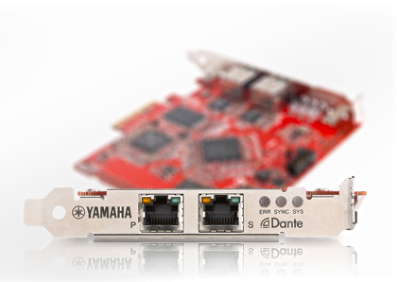
[Discontinued] For situations in which low-latency performance is critical, such as tracking, the RedNet PCIe card provides the best possible performance for your system. This dedicated card fits into a Windows or Mac computer standard PCIe card slot or with a laptop using a Thunderbolt PCIe Chassis. It delivers up to 128 channels I/O with under 3ms latency dependending on ASIO/Core Audio buffer size. A standard RJ45 Gigabit Ethernet connector links your audio computer to the rest of the network via a GigE switch.
    Soundcards - physical / virtual
isa-adn8-front
  • Focusrite

Focusrite – ISA ADN8

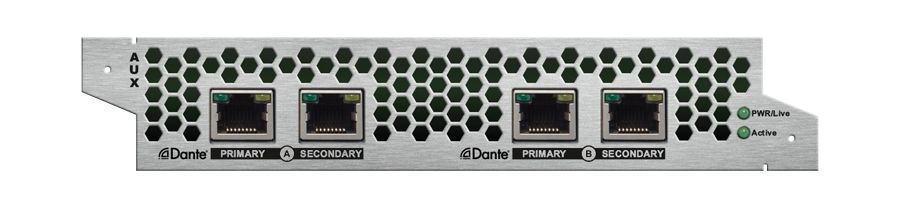
ISA ADN8 is an optional eight-channel A-D card that provides high-quality analogue-to-digital conversion for the Focusrite ISA 428 MkII and ISA 828 MkII microphone preamps. Featuring Dante, AES3 and ADAT connectivity, the card operates at sample rates up to 24-bit / 192kHz.

The card offers primary and secondary RJ45 Dante output ports, an AES59 DB25 connector for AES3 output, and a pair of TOSLINK connectors for ADAT output. Word Clock I/O on BNC connectors allows synchronisation to multiple digital sources. This also includes syncing the Dante network to house clock, or for syncing external equipment to the Dante network.

Dante outputs on the ISA ADN8 provide ISA 428 MkII and ISA 828 MkII with network connectivity to all Focusrite RedNet devices and Red interfaces, as well as any other Dante-enabled device from hundreds of manufacturers. Metering and settings are accessed through RedNet Control, routing is configured using Dante Controller.

    Soundcards - physical / virtual
  • RME

HDSPe AoX-D

The HDSPe AoX PCIe x4 audio interface cards combine dual network ports with headphone output, AES3, MIDI, and internal expansion headers for up to four MADI ports. Whether used in a Thunderbolt™ expansion chassis or built into DAWs or audio processors, these cards send and receive up to 512 channels of audio and provide numerous mixing and routing capabilities.

The vast number of channels can be managed by the user in two steps. Using a driver dialog or web interface, the user first adjusts the network vs. optional MADI channel count, and then pre-selects which inputs reach the 256 channel TotalMix engine. The remaining 256 channels are passed straight through. All 512 channels are visible to the DAW for recording. TotalMix offers its basic functionality without effects, but with all the great benefits such as presets, layouts, loopback, sub-mixes, and many more.

    Soundcards - physical / virtual