
BARE – DF-15


More details

Similar Products

yamaha-swr2100p_10g_1200px|yamaha-swr2100p_10g_1200px
  • Yamaha

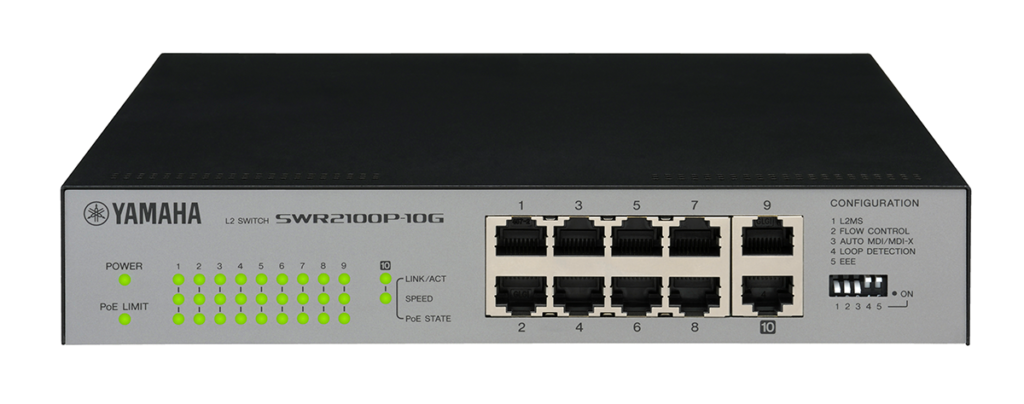
Yamaha – SWR2100P-10G

Complex network switch setup that was previously better left to an IT technician can now be easily accomplished by anyone. A simple switch setting is all it takes to optimize SWP1 series network switches for Dante operation, and a dedicated Windows application provides “network visibility” for comprehensive monitoring and control. Yamaha has used its knowledge of both IT and pro audio to provide "SWR2100P series" simple L2 switch that has been optimized for networked audio installations. The switch can take advantage of "Yamaha LAN Monitor" a dedicated Windows application that provides 'network visibility' for comprehensive monitoring and control. The "SWR2100P series” which are simple L2 switches can supply power as well as audio and control signals to a PoE-compliant Dante device such as the paging station microphone “PGM1” through just one Ethernet cable. Since the power supply and the network wiring can be combined, the number of cables being used can be reduced, and the connection distance can be extended, so the degree of freedom of Dante device installation is increased and construction flexibility is further improved. Systems built around the SWR2100P-5G or SWR2100P-10G L2 switches allow comprehensive network monitoring from the dedicated Yamaha LAN Monitor software application, with PoE power status monitoring and ON/OFF switching capability. Understanding how multiple switches installed in different locations are connected, plus how network devices are connected to those switches, can be a difficult, time-consuming task. The Yamaha LAN Monitor makes overall network topology clearly visible, giving the user a comprehensive overview of how multiple switches and Dante network devices are interconnected. Simply connect a Windows PC to the nearest SWR2100P series switch and launch the Yamaha LAN Monitor software. You can take a “snapshot” of the network status when set up as required. The software can then automatically keep track of the settings and alert you to any changes. You could take a snapshot of the network, and then you would be alerted if a cable is disconnected, if a device is turned off, or if a wrong connection is made prior to the performance, for example. Identifying devices connected to a switch by only their IP or MAC address is a difficult and error-prone approach. Connected Dante devices are identified by a Dante icon as well as a device ID previously set up via the Dante Controller software. You can also enter additional info, such as the location of the device, in the Label and Comment fields. If the monitoring device does not respond to a Ping, it judges that a fault has occurred and automatically stops the PoE power supply to that device and then resumes it. This restarts the monitoring equipment and attempts recovery. By collectively managing the status of the devices distributed over a wide area, it can ensure that equipment management can operate far more smoothly.
    I/O Interfaces
0114731_unterputzanschluss-mit-35mm-klinkenbuchse-inp
  • promedias

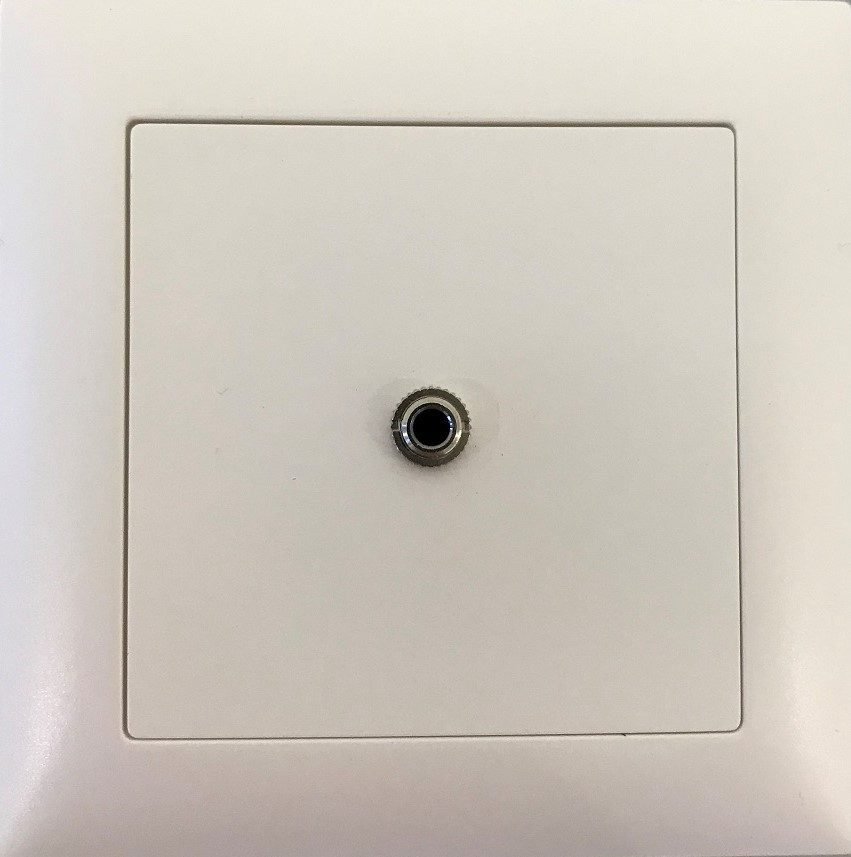
promedias – proDT 3.5I UP

Flush-mounted connection with 3.5mm jack input to Dante, EDIZIOdue

  • AES67 & DDM ready!
  • 2x0 LINE IN (3.5mm Stereo female)
  • PoE / 5VDC Input
  • Stereo L+R DANTE® Broadway
  • Sample Rate: max. 192kHz | Latency: min. 0.25ms
  • Network Speed: 1Gb/s / 100Mb/s
  • Dimensions: Gr. I (1x1) - 88x88x53mm bzw. 50mm
  • Installation dimensions: Ø64x44mm bzw. Ø60x44mm (cutout x depth)
  • Color: white (Feller 61), similar to RAL 9010 (also available as standard, e.g. black 60 or option RAL/NCS colour!)
    I/O Interfaces
DAC-122_FRONT
  • Inter-M

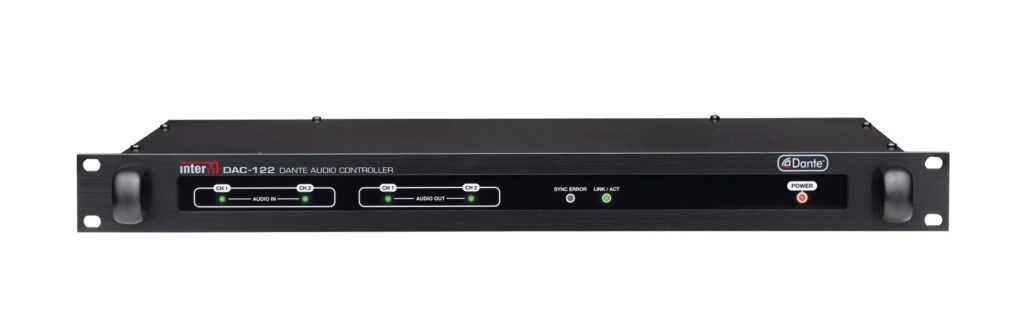
Inter-M – DAC-122

The DAC-122 is an audio matrix, equipped with two inputs, that enables you to send uncompressed audio with low latency using standard TCP/ IP Ethernet network. It’s remotely controlled through your network and can be placed anywhere in a facility.

Each of the 2 balanced analog inputs and 2 outputs may be assigned to any Dante™ flow in the system, either by means of the Audinate’s Dante™ Controller Windows or OSX application.

    I/O Interfaces
  • Dante Ch: 2x2
  • 24-bit